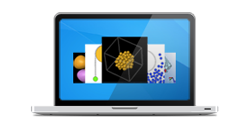


Three Views of MW
 Senior Scientist and Molecular Workbench Developer Charles Xie, Researcher and Manager Amy Pallant, and Technology and Curriculum Developer Dan Damelin describe the history of Molecular Workbench and our vision for the future.
 MW is already one of the most versatile ways to experience the science of atoms and molecules. Now thanks to Google's generosity and the power of HTML5, we're bringing it to Web browsers everywhere.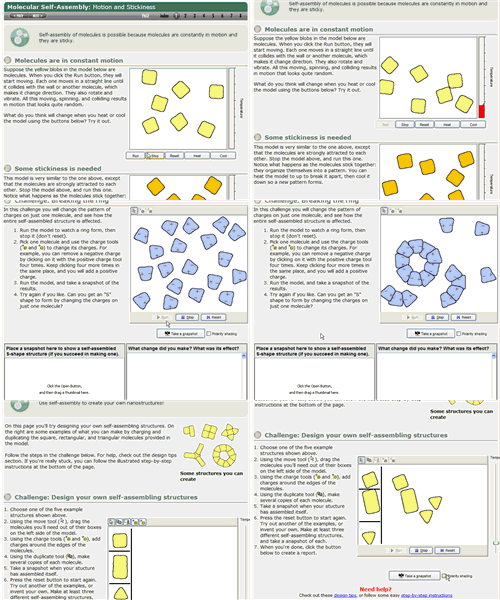
Selected Curriculum Modules
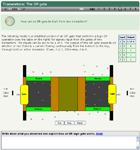
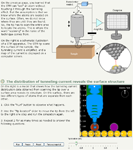
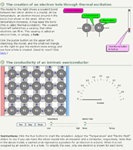
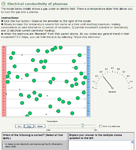
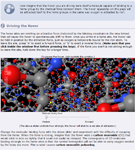
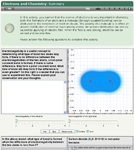
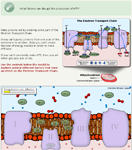
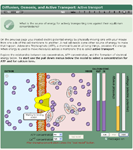
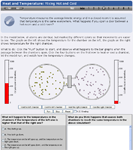
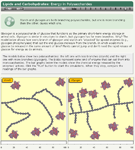

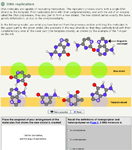
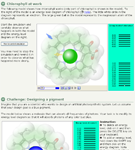
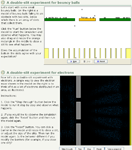
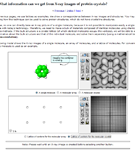
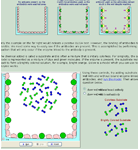
More Modules » Launches MW
Create Your Own Simulations
MW is not just a collection of simulations—do not be deceived by first glance. While it presents many existing simulations that are ready to use in the classroom, it is, however, also a modeling tool for teachers and students to create their own simulations and share them with collaborators. There are very sophisticated modeling capacities hidden behind its simple user interface that empower you to create new simulations and even explore the unknowns. (Because of the experimental and computational nature of this kind of simulations, we prefer to call them computational experiments.)
Learn More in MW's Online Manual »
Launches MW
Create Your Own Curriculum Modules
A simulation without instructional support is difficult for students to use. An optimal way of using simulations is to embed them into curriculum materials. MW has an authoring system for teachers and curriculum developers to create or customize their own online lessons that use models and simulations. A typical MW module is a comprehensive learning package consisting of a series of scaffolded pages that contain text, simulations, tools, controls, graphs, navigation links, and embedded assessments. The user interfaces of simulations in MW can be customized for students of different levels (grades 6-16). This unique feature enables it to support a wide range of instructional strategies such as inquiry-based, discovery-based, and problem-based learning.
Learn More in MW's Online Manual »
Launches MW
Fun Stuff

Subscribe and Follow
Subscribe to receive news and updates about Molecular Workbench.
(Don't worry. We're scientists, not spammers!)


What People Are Saying
The most interesting software that my educational technology class discovered this last Spring was the Molecular Workbench. The enormous range of material and the power of their modeling package (used in teaching chemistry, biology, and physics) is impressive.
Prof. Mark Guzdial
Georgia Institute of Technology
The Molecular Workbench is developed by the Concord Consortium. Learn about our work »
 Molecular Workbench was awarded the prestigious SPORE Prize Learn More »
Computational Experiment
A computational experiment is a computer simulation of a real experiment or a thought experiment. More »
Engines
- Continuum
Continuum Mechanics » - Macro-Scale
Classical Mechanics » - Meso-Scale
Mesogenic Dynamics » - Atomic-Scale
Molecular Dynamics » - Subatomic-Scale
Quantum Dynamics »
Articles
- The MW Brochure »
- Computational Experiments »
- Nanotechnology Visualization »
- Nanoscience Education »
- Beyond Lennard-Jones »
- Molecular Dynamics for Everyone »
- Atoms, molecules, and MW »
- Quantum Chemistry »
- Teaching Nanoscience »
- How Transistors Work »
- Constructive Chemistry »
- Multiple Representations »
- How Can Less Be More? »
- Heat & Temperature »
- How Things Break »
- A Lesson on Chemical Reactions »
- Roving Around Molecules »
- Science of Atoms & Molecules »
- A Lesson on Heat Flow »
- A Lesson on Self-Assembly »
- Making Models Your Own »