Turning off the security warning window on Mac OS X
When you launch MW for the first time, you will see the following message:
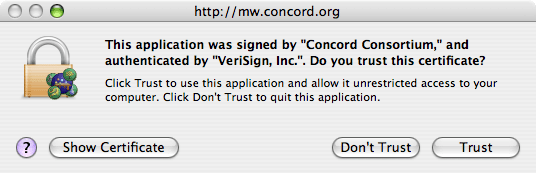
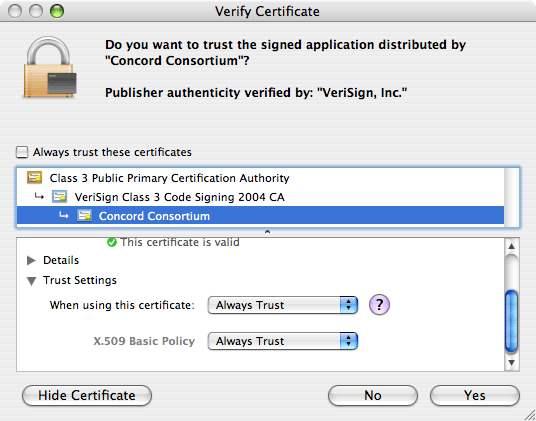
The above message window will pop up again next time you launch MW. But there is a way to turn it off. Just click the "Show Certificate" button, and in the window that follows, choose "Always Trust" in the "When using this certificate" drop-down menu from the "Trust Settings" option listed under the "Concord Consortium" certificate issued by VeriSign: